

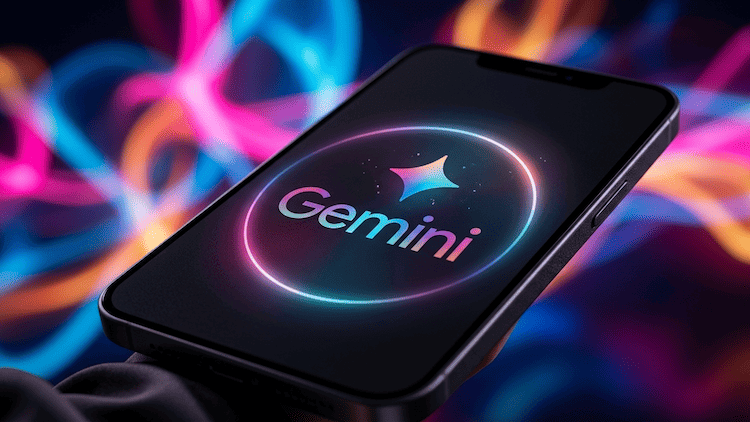
Google has officially launched a dedicated Gemini app for macOS, marking a significant shift in how users interact with AI on desktop devices. Moving beyond the browser, the new app brings faster performance, deeper system integration, and a more seamless user experience.
Key Features of the Gemini macOS App
1. Instant Access with Hotkeys
Users can launch Gemini instantly using keyboard shortcuts, similar to Spotlight, enabling quick interaction without disrupting workflow.
2. Screen Context & AI Assistance
The app can analyze on-screen content, helping users summarize documents, review code, or get contextual suggestions in real time.
3. Multimodal Capabilities
Gemini supports text, images, and documents, allowing users to generate content, analyze files, and automate tasks directly from their desktop.
4. Google Ecosystem Integration
Deep integration with Google services like Drive ensures seamless access to files and conversation history across devices.
Why This Matters for the AI Market
The macOS release positions Gemini as a direct competitor to desktop AI tools from OpenAI and Anthropic. It reflects a broader industry trend: AI is moving from web apps into operating systems.
This shift enables:
- Faster workflows
- Context-aware assistance
- Continuous AI interaction
- System Requirements & Availability
The Gemini app is available for macOS (latest versions) and is free to download in supported regions. Some advanced features may depend on subscription tiers.
Conclusion
With the launch of its macOS app, Google is redefining AI as a core part of the desktop experience. Gemini is no longer just a chatbot—it’s evolving into a system-level assistant designed for productivity, creativity, and everyday workflows.

 Subscribe to the newsletter







Сообщить об опечатке
Текст, который будет отправлен нашим редакторам: